
Comparison: Quick Verdict. For a new supported phone-and-computer setup, I would choose ThePhotoStick Omni X over buying an unidentified older InfinitiKloud package. Its four integrated connectors and current model-specific instructions make the choice clearer. If you already own InfinitiKloud and it still copies and restores your files correctly, preserve those backups and assess the exact model before replacing it. Neither product is a substitute for multiple independent copies.
The important comparison is the exact hardware and software you can use today. “InfinitiKloud” has covered different wired and wireless products, while “PhotoStick” can mean the original computer model, older Mobile, Omni or Omni X. Comparing the broad names as if each were a single universal device produces misleading compatibility and value claims.
This guide is for deciding whether to keep an existing InfinitiKloud or move to a current PhotoStick workflow. For the broader new-buyer comparison, see PhotoStick versus InfinitiKloud; for the current model assessment, read the Omni X review.
InfinitiKloud versus PhotoStick: compare the actual versions
| Buying question | InfinitiKloud | ThePhotoStick Omni X |
|---|---|---|
| Which hardware? | Identify the exact wired drive or wireless/card-based edition before comparing | Current four-connector drive with USB-A, USB-C, Lightning and Micro-USB integrated |
| Phone support? | Depends on the edition; older wired instructions and later mobile/wireless instructions differ | Manufacturer lists Android 8+ and iOS/iPadOS 13+; Pixel support starts at Pixel 8 |
| Computer support? | Use the guide and software for the actual drive; do not assume a phone app replaces desktop requirements | Manufacturer lists Windows 7 SP1+ and macOS 10.13+; follow the current installer guide |
| How are files accessed? | Through the workflow supported by that edition; preserve any app-protected backups before changing software | Companion app/software copies accessible supported media to local storage |
| What determines capacity? | Actual drive or memory-card space and existing contents | Selected drive capacity, overhead, file sizes and existing contents |
| Who would I choose it for? | An existing owner whose exact setup still works and whose saved files can be retrieved | A new supported mixed-device household wanting guided local copying |
InfinitiKloud owners: protect the copy you already have
The older InfinitiKloud USB guide describes a PC/Mac workflow and Android support while excluding iOS for that edition. Later InfinitiKloud mobile guidance includes Android and iOS app links. Those different instructions are a reason to identify your hardware, not proof that any InfinitiKloud device will work with any phone.
The developer’s Google Play listing is still a useful source for identifying the Android app, but it displays a June 2022 update date. I would check actual availability on the intended phone before making a new purchase around it. Historical manuals establish the original workflow; they are not a guarantee of current support on a newer OS.
If your present setup works, begin by opening a representative selection of saved media. Copy readable files to a separate ordinary storage location before uninstalling software, changing a passcode or formatting a drive. Where an edition uses an app-specific protected backup, verify that you can export the files while that app remains available.
Why Omni X is my clearer new-buy choice
Omni X brings the common connection types into one device. That is a practical advantage for a household moving between Lightning, USB-C and computer USB ports. It also has a current separate model guide, which is more useful than relying on a retailer’s broad “works everywhere” description.
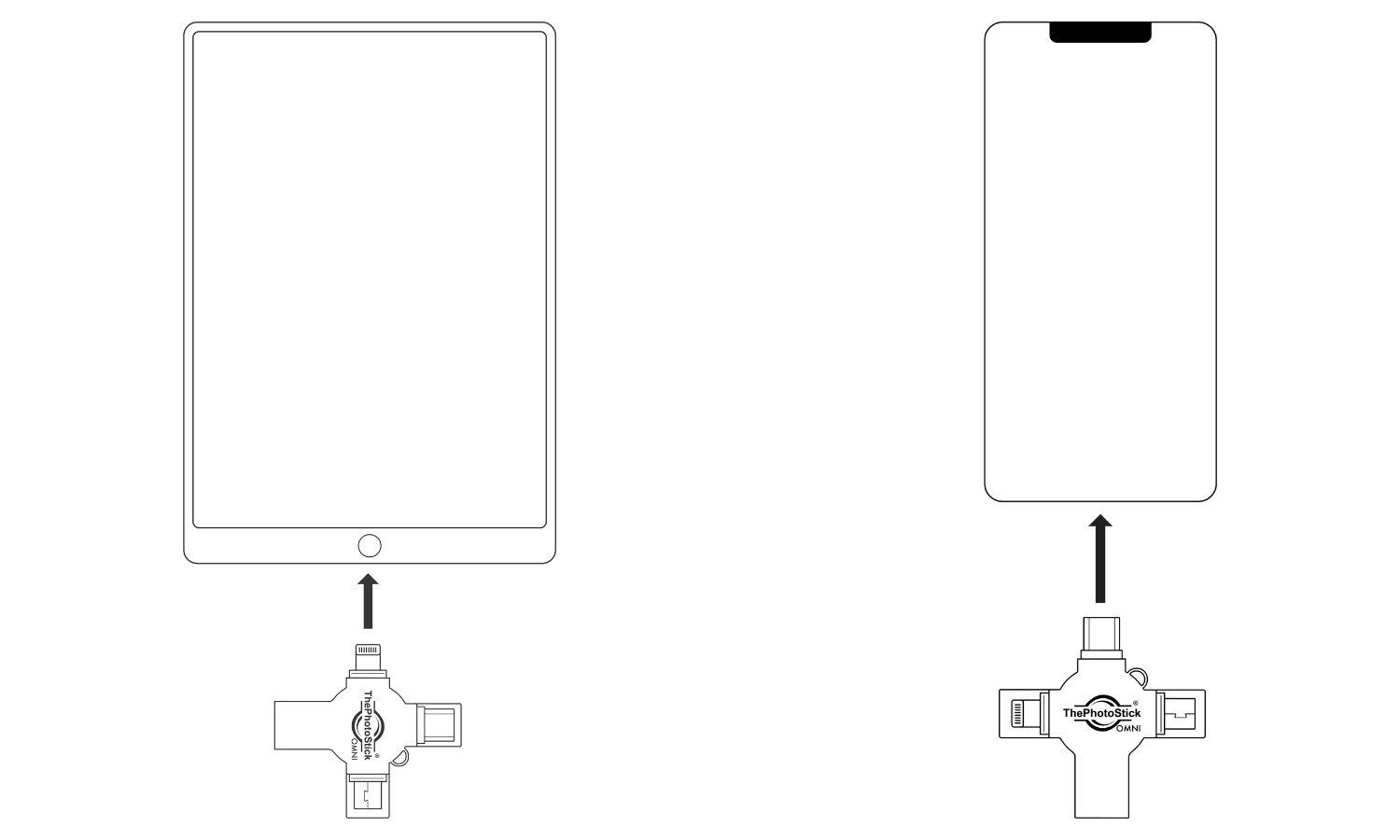
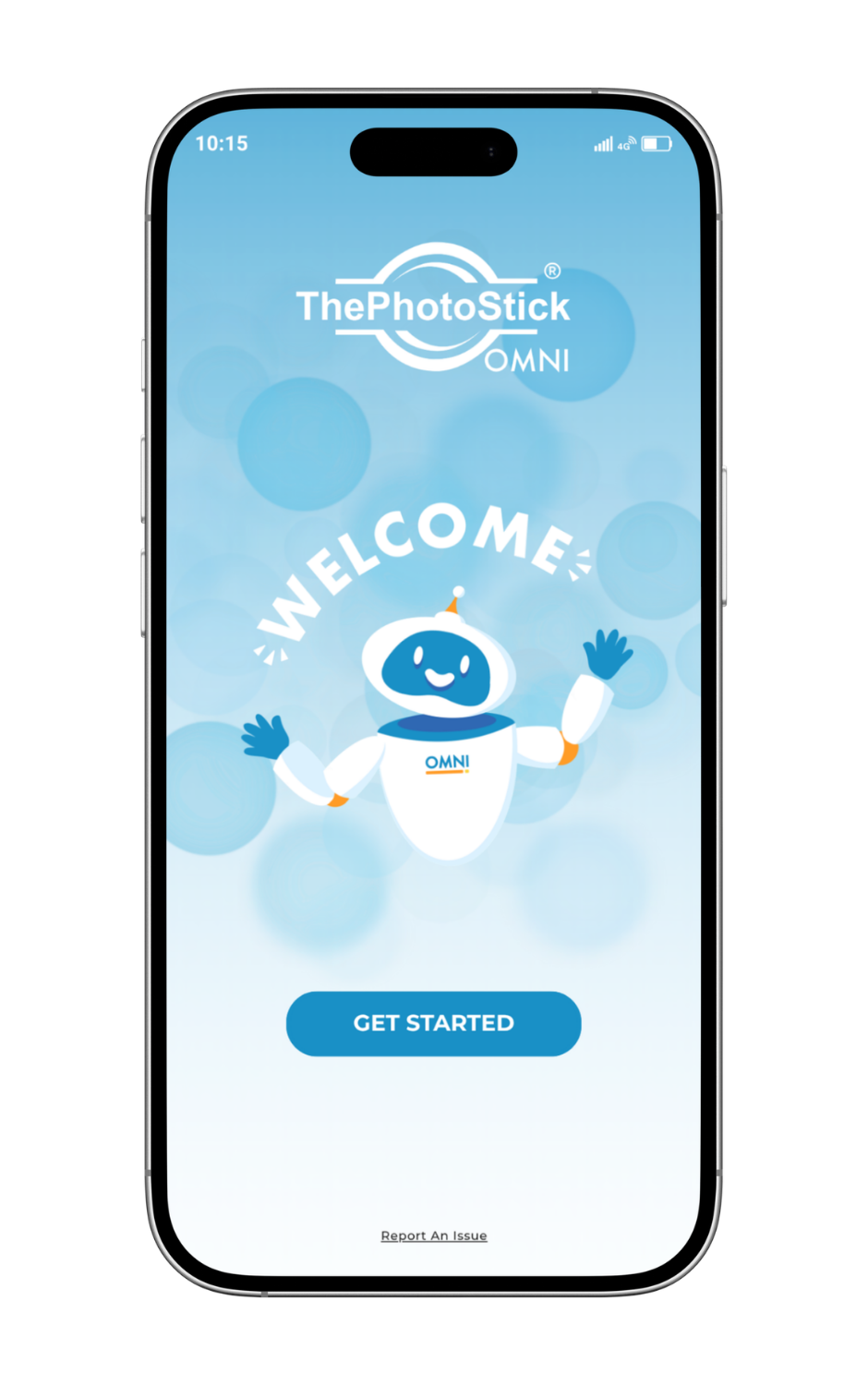
Use the free Omni app on supported phones and follow the current desktop installer instructions on a computer. The published minimum OS versions are product requirements, not advice to continue using obsolete operating systems. Check the exact device as well as its version, particularly Google Pixel models.
My preference is conditional on that fit. If you already organise files confidently, ordinary compatible storage can cost less. If you own a working older Omni, compare its complete adapter package before paying for a new X.
Backup, duplicates and restoration
For either workflow, make the full-size originals accessible first. A thumbnail in a cloud library is not necessarily the original file stored locally. Download or export cloud-only and app-private media when required, then check access permissions and supported formats.
Duplicate detection can reduce repeated copies. It does not justify deleting originals, merging every edit or assuming the destination contains all albums and metadata exactly as displayed by the source app. Likewise, copying a video and playing it on a different device are separate tasks.
After a copy, inspect older and newer images and a longer video. Copy several files to a separate working folder and open them there. Investigate skipped-file messages, a full drive or discrepancies in size before removing anything from the source.
Capacity and value
Compare the exact capacity and delivered cost, not differently defined photo counts. Videos, RAW files, overhead and existing backups all use space. A memory-card product also needs its actual card included in the cost comparison.
Same usable space, different photo counts
Example: 100 GB available, decimal units
2 MB per file: 50,000
5 MB per file: 20,000
10 MB per file: 10,000
Illustrative arithmetic, not a measured result or an advertised drive capacity. Video and other files reduce the remaining space.
I would not pay a premium for guided software if ordinary file selection already works well for you. I would pay attention to clear support instructions, a suitable connector and a return process that applies to the actual seller. Check current terms instead of carrying forward an old price, coupon or blanket warranty promise.
Which should you choose?
Keep a working InfinitiKloud when the exact app/device setup remains usable and you can export and retrieve your saved media. Make another copy before making changes. Choose Omni X for a new supported mixed-device workflow when guided copying and its integrated connectors solve a real problem.
For the original computer-only PhotoStick, use the separate PC/Mac review. For all current buying choices, see the ranked photo stick guide. Whichever route you take, keep independent copies and verify retrieval.
Frequently asked questions
Is InfinitiKloud compatible with iPhone?
It depends on the edition. Older wired instructions exclude iOS, while later mobile guidance includes an iOS app. Match the exact hardware and current app requirements rather than relying on the brand name.
Should I replace a working InfinitiKloud?
Not automatically. Verify retrieval and export a separate copy first. Replacement is more compelling when its app, connector or current-device support no longer fits your needs.
Which PhotoStick is the better new cross-device comparison?
Omni X is my first comparison for supported mixed devices because it integrates USB-A, USB-C, Lightning and Micro-USB. Check its exact OS and app requirements before buying.
Can either product recover deleted photographs?
Do not rely on these local-copying workflows as deleted-file recovery tools. Preserve accessible originals and use an appropriate recovery process for actual data loss.
Do they copy cloud-only originals automatically?
Do not assume so. Full-size files must be accessible to the supported workflow. Download or export where needed and check the destination.
Is a single backup drive enough?
No. Drives can fail or be lost. Keep multiple independent copies, with an off-site copy where practical.
Sources and image credits
Product requirements and published terms checked 6 November 2026. Specifications describe the manufacturer’s stated support; compatibility still depends on the exact device and software.
- Historical InfinitiKloud wired USB user guide; edition-specific compatibility
- Historical InfinitiKloud mobile setup guide
- InfinitiKloud developer Android listing
- Omni X current product specification
- Omni X current setup; connection and app images, ThePhotoStick
Related Posts


Share this article

Stuart Kerr Spindlow is Pixoneye’s Publisher, Editor-in-Chief and Lead Product Reviewer. He tests consumer products and leads coverage of practical gadgets and personal-media preservation. His reviews focus on usability, limitations, value and the trade-offs that matter when choosing a product. Read Stuart’s full profile.
Leave a Reply